Every aging pool panel can be an upgrade.
Your customer keeps the enclosure. You sell the upgrade. The Control Freak conversion kit installs inside the automation panel they already own. Commission it at the pad with the faceplate and the controller's own Wi-Fi.
Why it sells
Start with the panel on the wall.
Many customers have automation that is getting old, and a full tear-out can be a hard conversation. The legacy automation conversion kit upgrades the panel in place, with a new brain and a new screen inside the enclosure they already have.
- Motherboard The new brain
- Screen Five faceplate buttons
- Wiring harness Into the panel already there
- Transformer 24 VAC main power
Complete controllers for new pads
Sub-panel and non sub-panel versions. Each ships with 2 or 4 high-voltage relays on a board with 8 relay ports, so you can add relays as the pad grows.
Parts for the service call
Replacement relays with harness, motherboards, screen and button boards, and transformers are available for service calls.
On the job
Commission it at the pad.
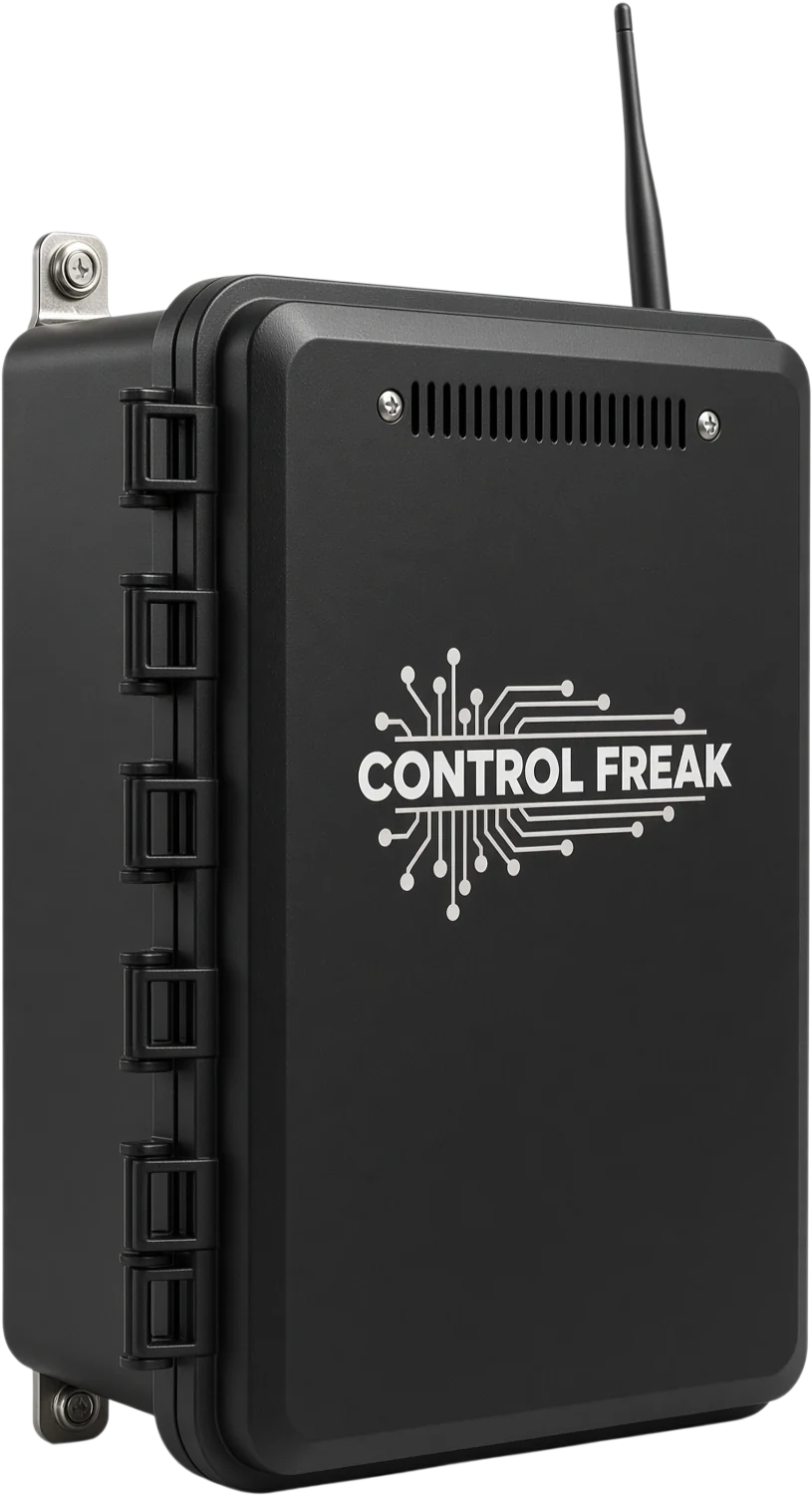
-
Five buttons on the faceplate
Assign a device to each button and switch it at the panel. Test every pump, valve and light before anyone opens the app.
-
Controller Wi-Fi network
The controller broadcasts a hotspot, and the app connects directly. Setup works before the homeowner's network is involved. Home Wi-Fi or Ethernet can come later.
-
Service mode1
Press two faceplate buttons and every pump, relay and valve shuts down. The app locks out while you work. It is a convenience. Kill the breaker every time.
-
One-tap diagnostic report
When a customer calls with a problem, one tap in the app sends the controller's data straight to support.
Built for pros
Interlocks run in the controller.
Tethers are if-this-then-that rules between devices, set at the controller level. They hold however the device was switched: app, schedule or faceplate button. Set one at the pad, so you are not counting on the homeowner to remember it.
- Flow switch offSalt cell off
- Booster pump onFilter pump on
- Pump changesValve mirrors it
The board
Every port on one board.
| Count | Port | What it connects to |
|---|---|---|
| 5 | RS-485 ports | Variable-speed pumps and heat pumps. AquaStar and Fairland are documented. |
| 8 | High-voltage relay ports | Ships with 2 or 4 relays installed. Add more as the pad needs them. |
| 4 | Low-voltage relays | Dry contact for general use, or heater/chiller with control logic built in. |
| 8 | Valve actuator ports | Pool, spa and feature valves. |
| 4 | Temperature sensor ports | Standard 10K pool thermistors. |
| 2 | Flow switch ports | Ties the salt cell and other loads to flow through Tethers. |
| 1 | Pressure sensor port | For a filter pressure sensor. |
| 2 | Network paths | Ethernet and Wi-Fi, plus the controller's own hotspot. 24 VAC main power. |
Smart home customers
The Home Assistant integration gives local control on the customer's LAN. Through Home Assistant, they can run the pool from Apple Watch, Siri and Apple Home, Alexa or Google Home.
Remote access is the customer's choice: our cloud service with the app, or their own Home Assistant. No subscription and no monthly fees, so there is nothing recurring to explain at the sale.
Setup videos
Install and setup walkthroughs are on the YouTube channel Control Freak Pool Tech. Send your techs there before their first job.
The dealer program
Three steps to your first install.
Apply
Tell us about your company, service area and the work you do. The required fields take a few minutes.
We'll call you
We go over your application, then call to talk about your market and the jobs you see most.
Dealer pricing and onboarding
Approved dealers get dealer pricing, support and team onboarding.
Approved dealers get dealer pricing and support. We'll send details once we've gone over your application.
Dealer application
Apply to become a dealer
Required fields are all we need to get started. The rest helps us show up to the call knowing your market.
We use this only to assess your application. We don't sell it.
Questions pros ask first
Do I need to stock inventory?
We'll cover stocking and ordering on the call. It depends on the work you do and how many jobs you expect.
Which panels does the conversion kit fit?
Tell us which panels you see most on your route, and we'll walk through fit on the call. The kit includes a motherboard, screen, wiring harness and transformer.
Which pumps does it talk to?
Variable-speed pumps and heat pumps connect over the five RS-485 ports. AquaStar and Fairland are documented. Ask about other equipment on the call.
Is service mode a lockout?
No. It is a convenience that shuts equipment down and locks out the app. Kill the breaker before you work on anything electrical.
How will my techs learn the install?
Setup videos are on the YouTube channel Control Freak Pool Tech. Approved dealers get onboarding. We'll talk through what your team needs on the call.
Is there a territory or a minimum order?
We'll cover your service area and ordering on the call.