The app
Take a look around.
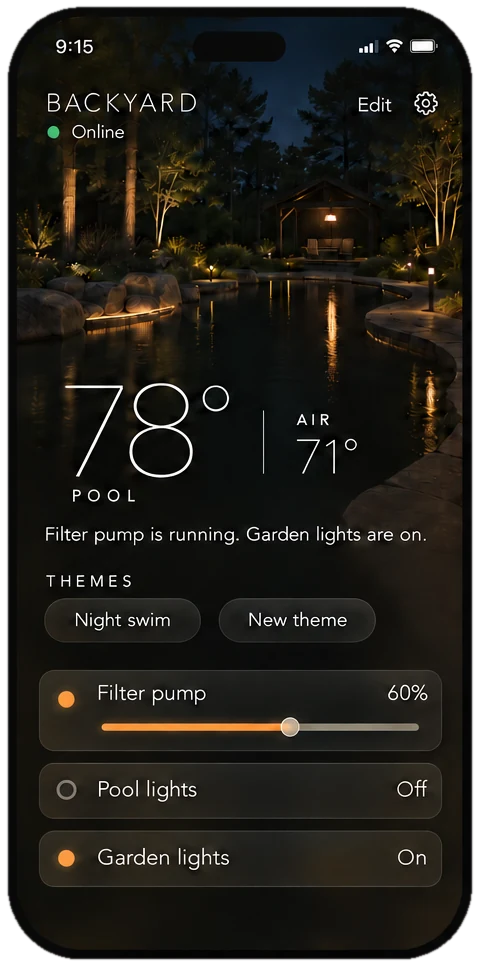
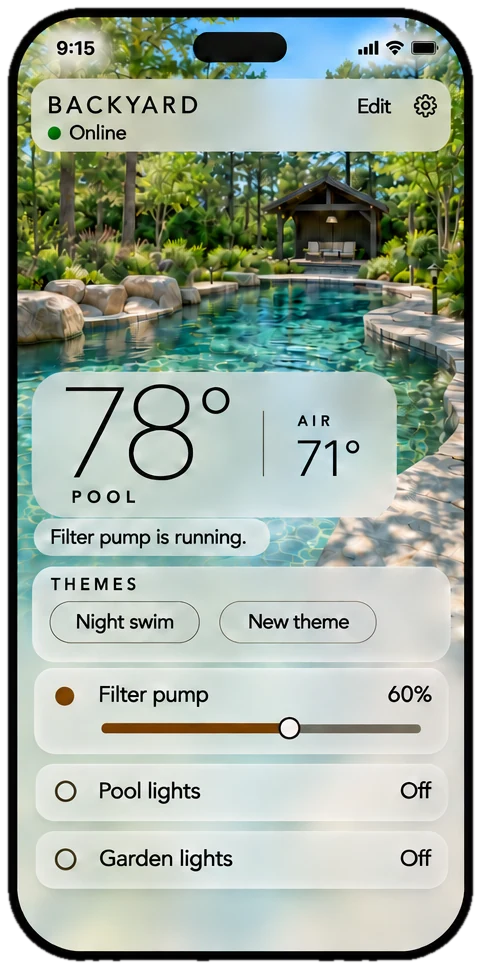
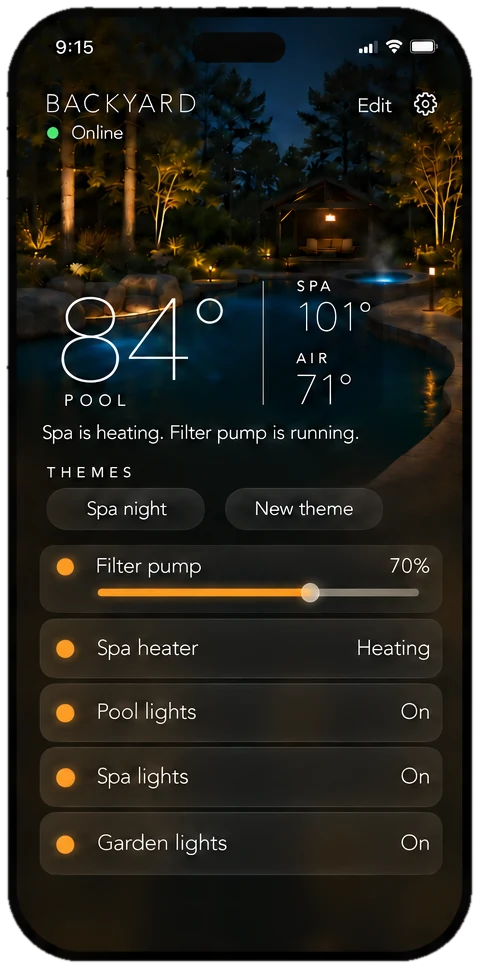
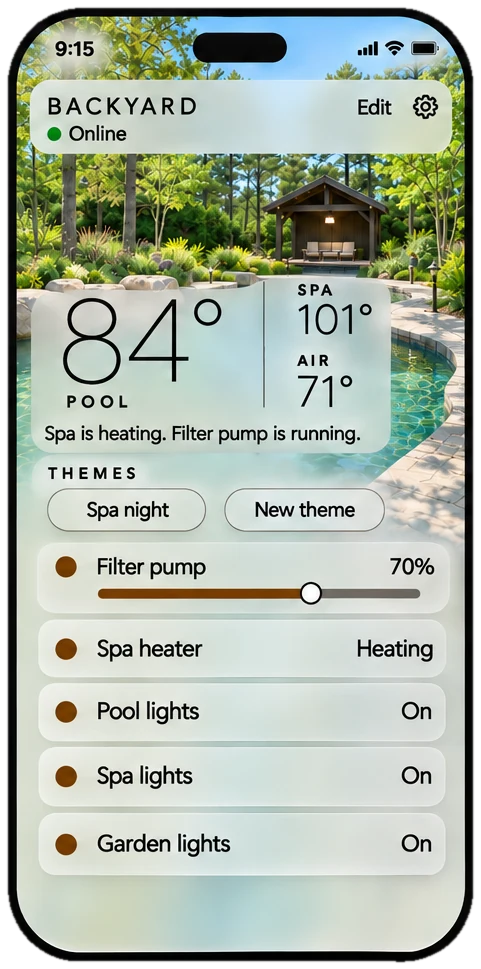
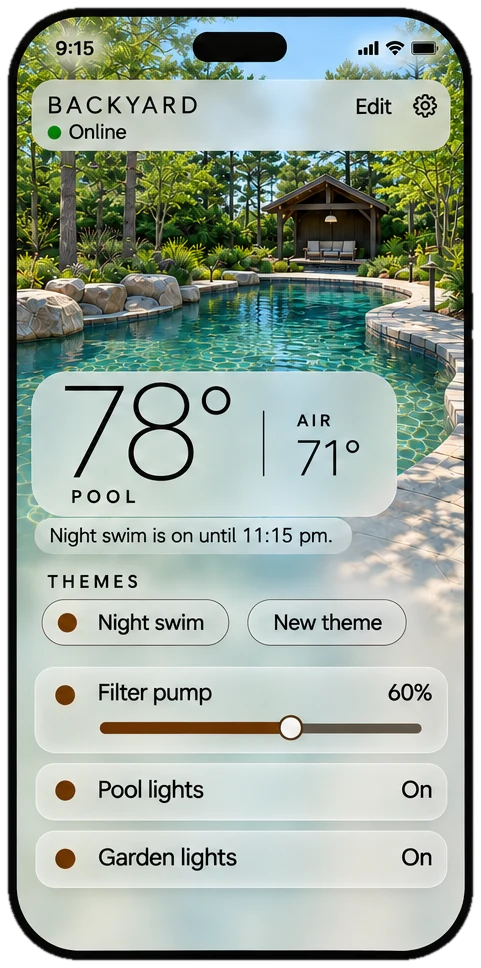
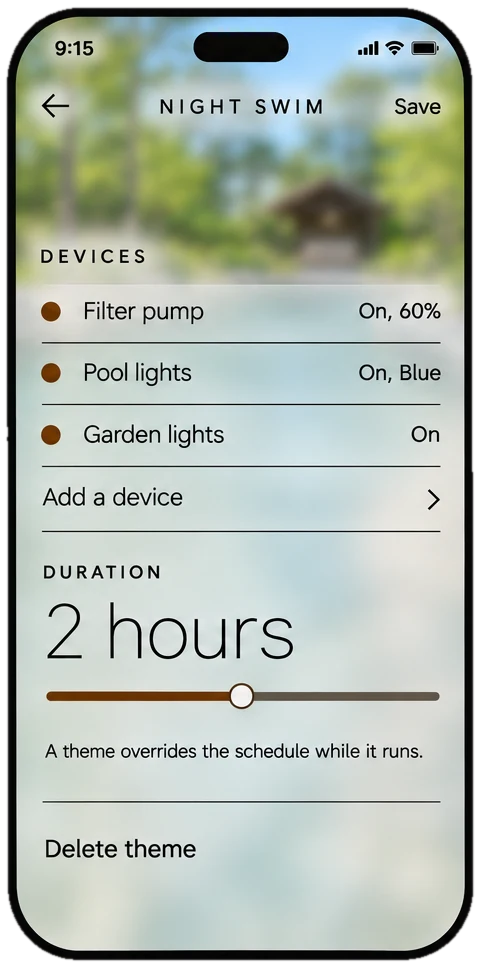
See the screens you'll use most, from checking the water to turning off the last light. Flip the switch to see each one by day.
A new look, coming to the app
Home
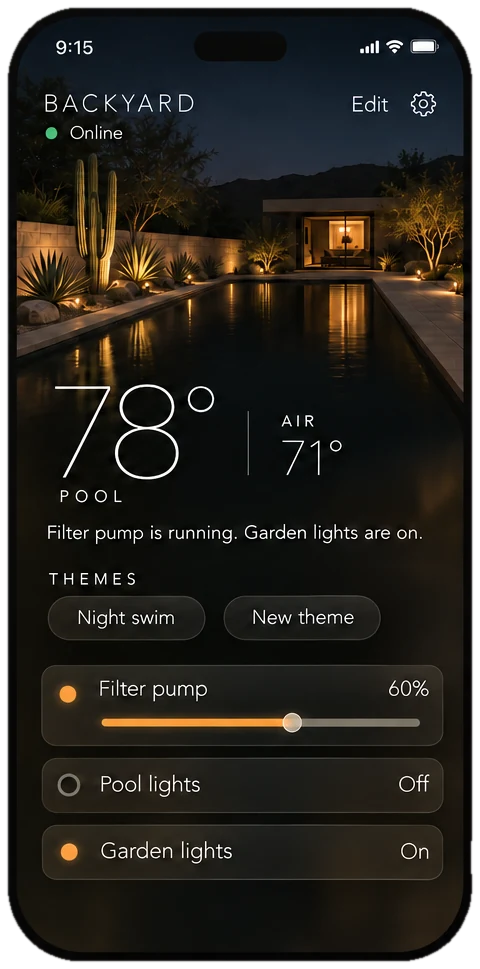
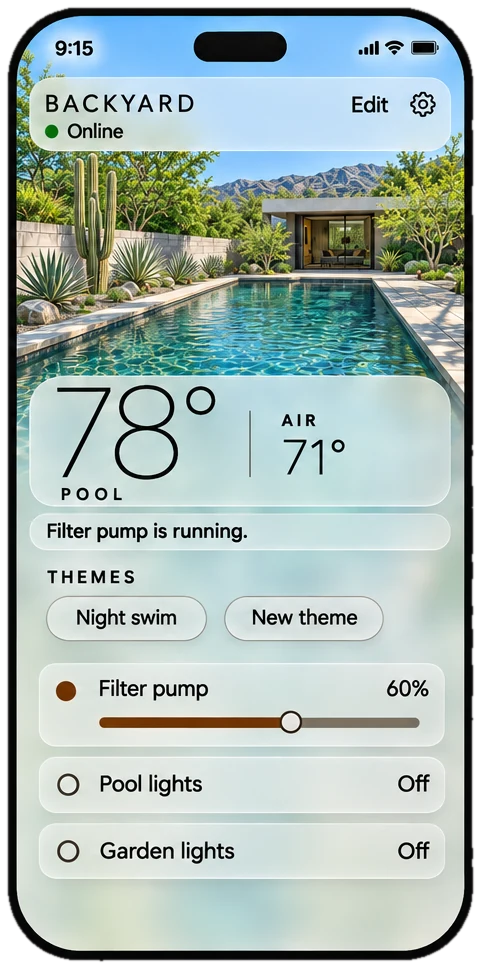
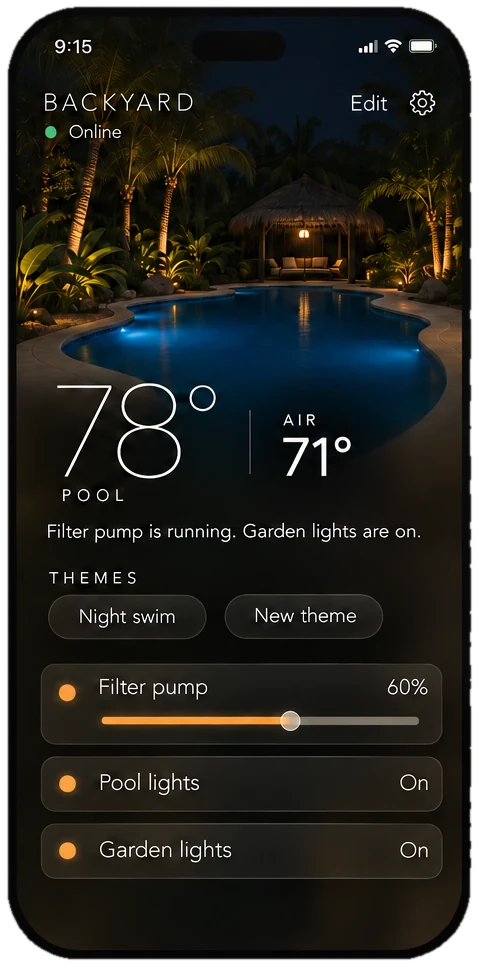
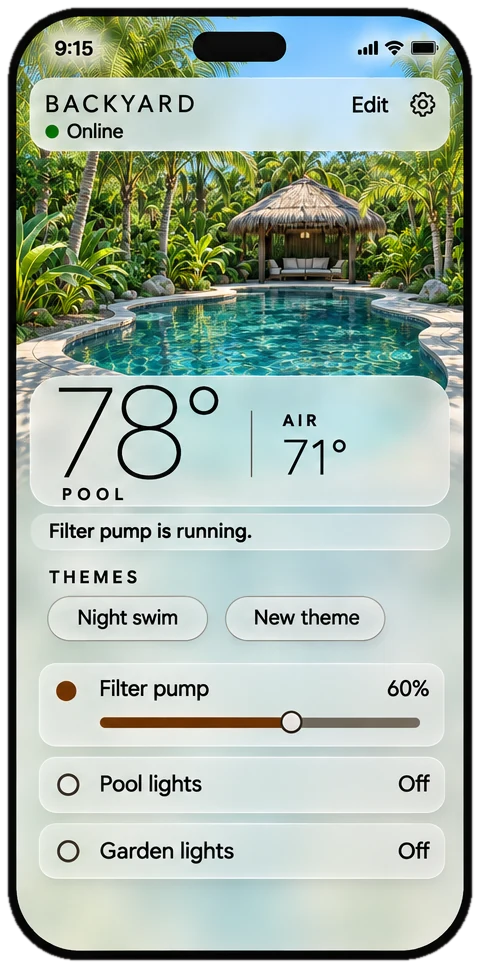
See what is running.
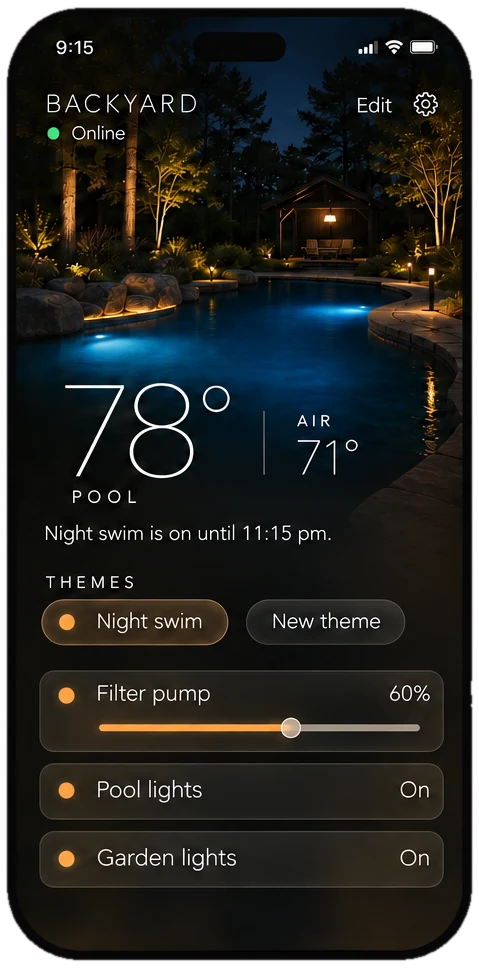
Water and air temperature sit up top. What is running appears below, each with its own switch.
Coming to the app
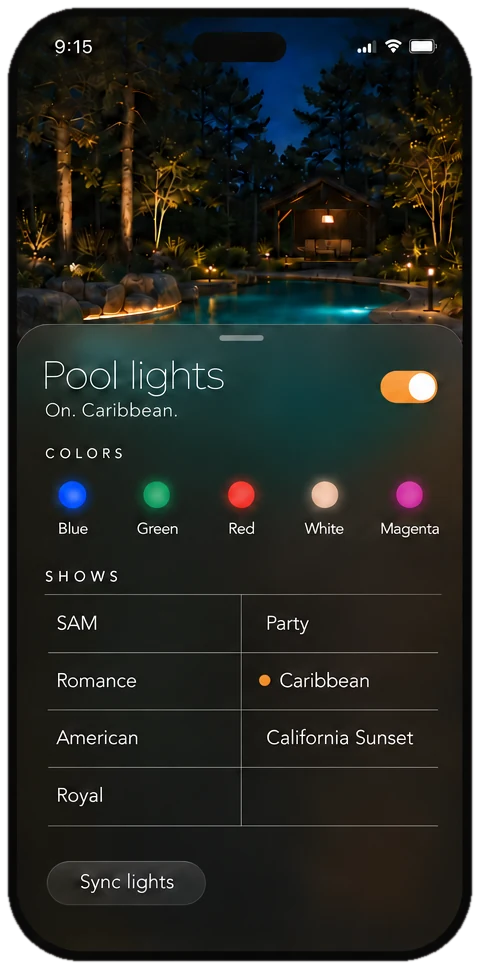
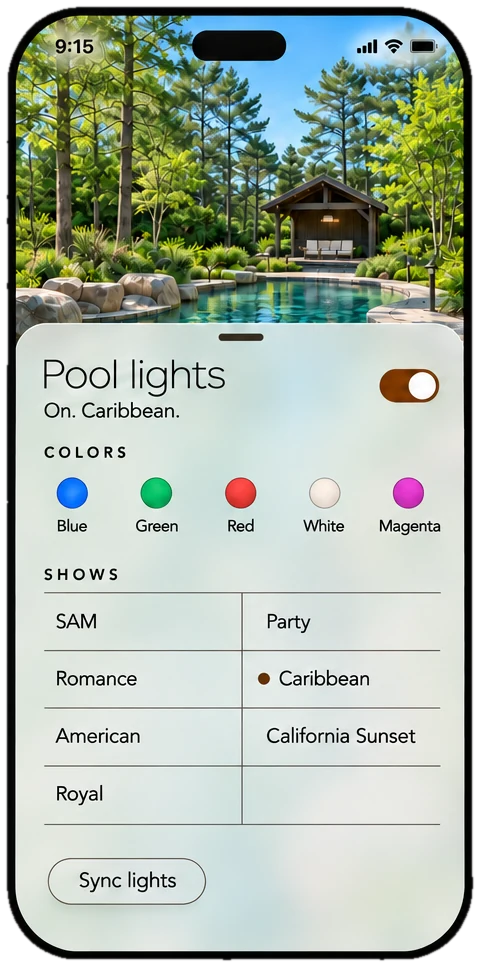
Lights
Pick a color or start a show.
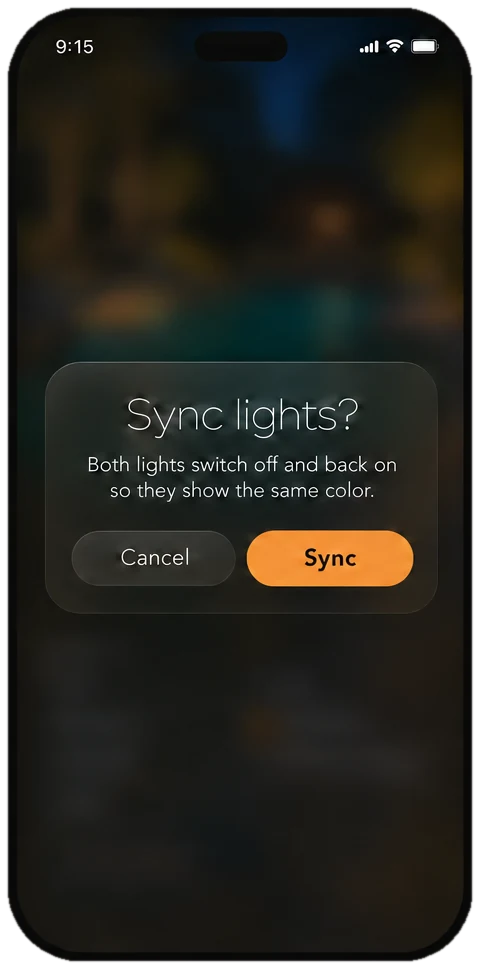
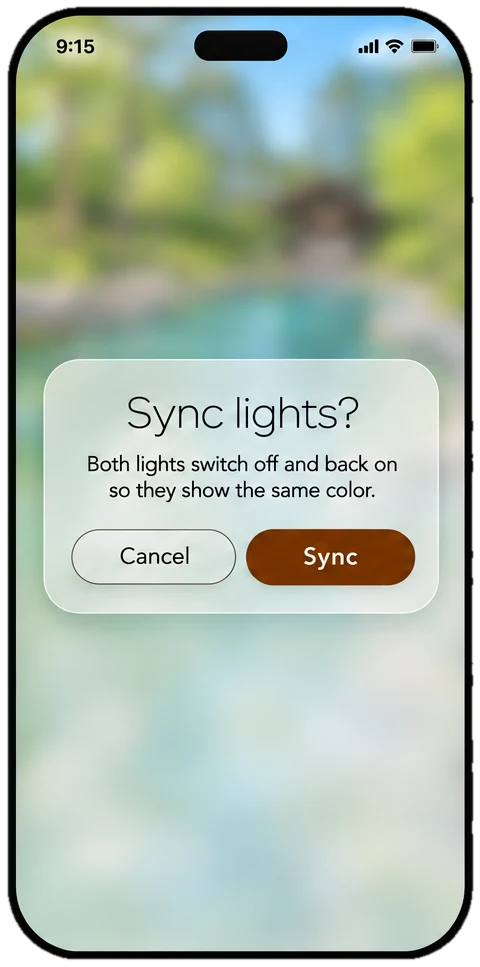
Pool, spa and landscape lights each get their own switch. Pool and spa lights include colors and light shows.
Coming to the app
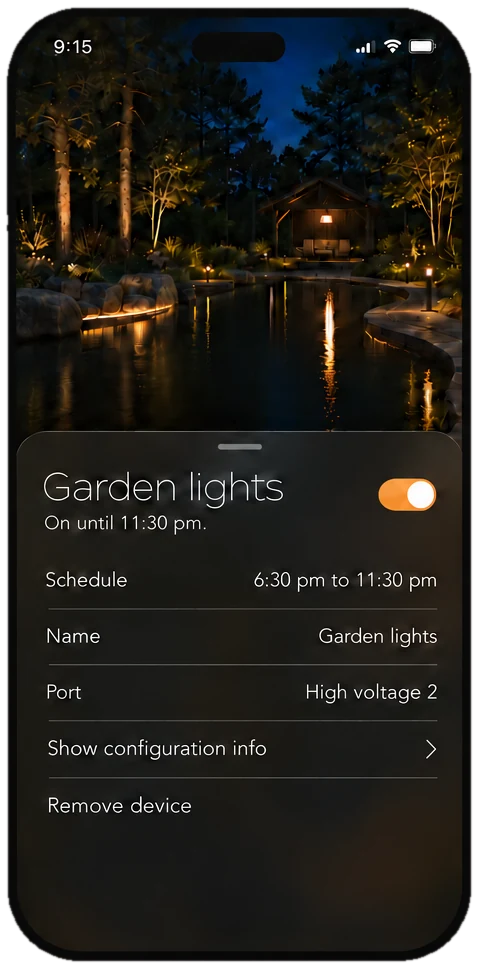
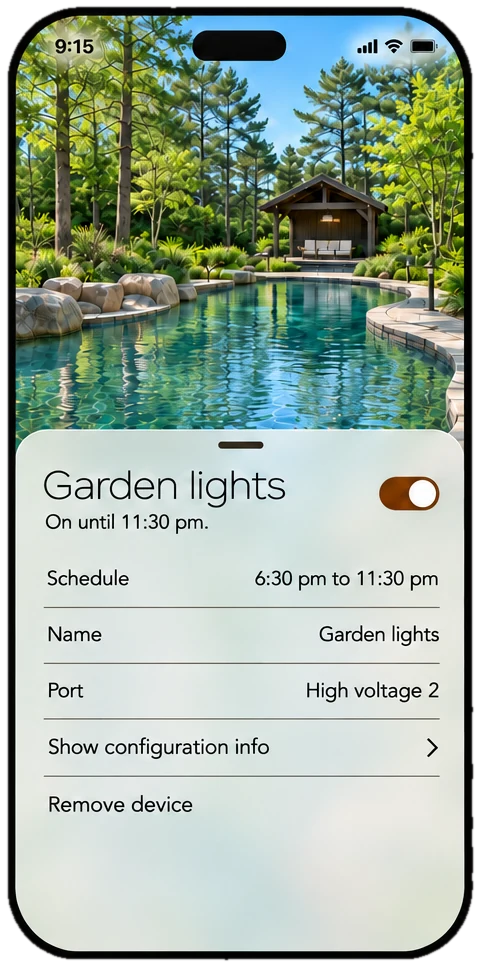
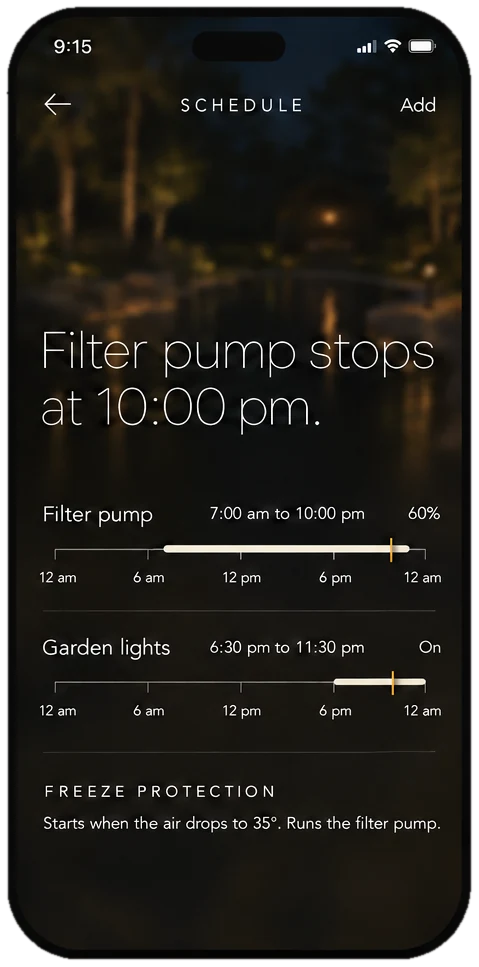
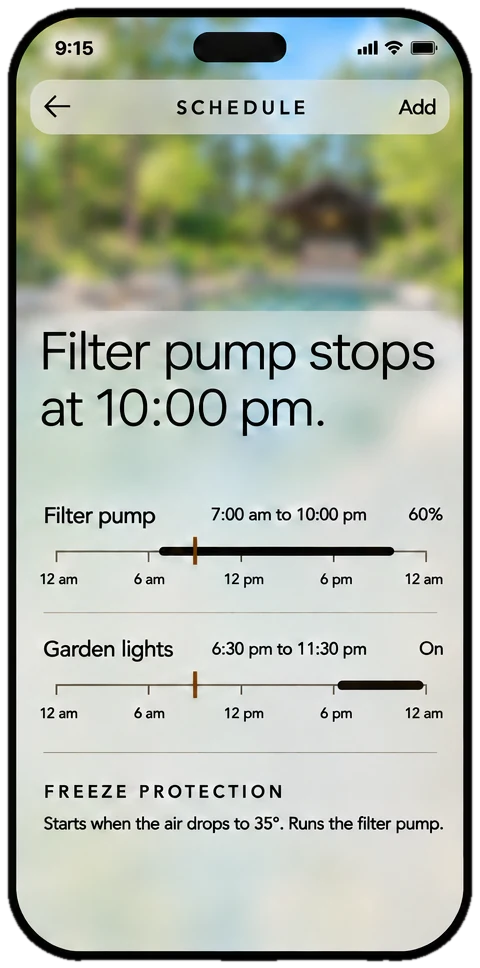
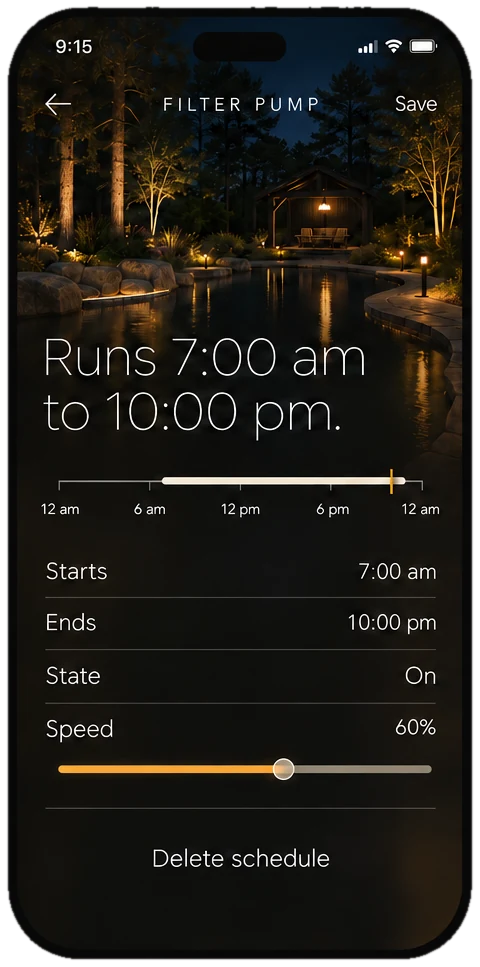
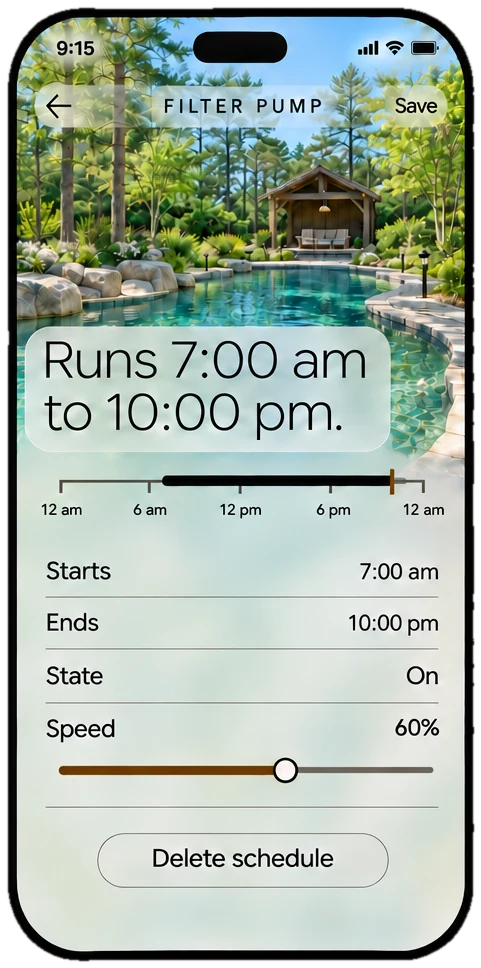
Schedule
Set the schedule once.
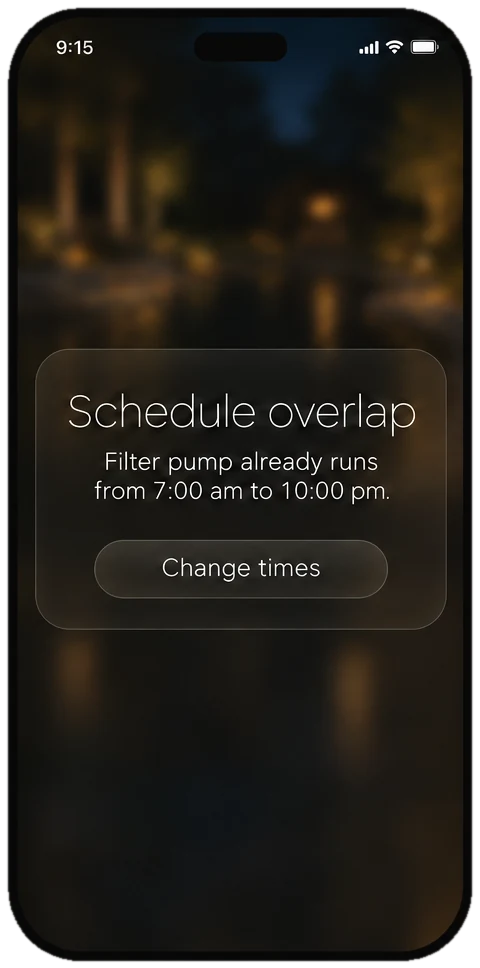
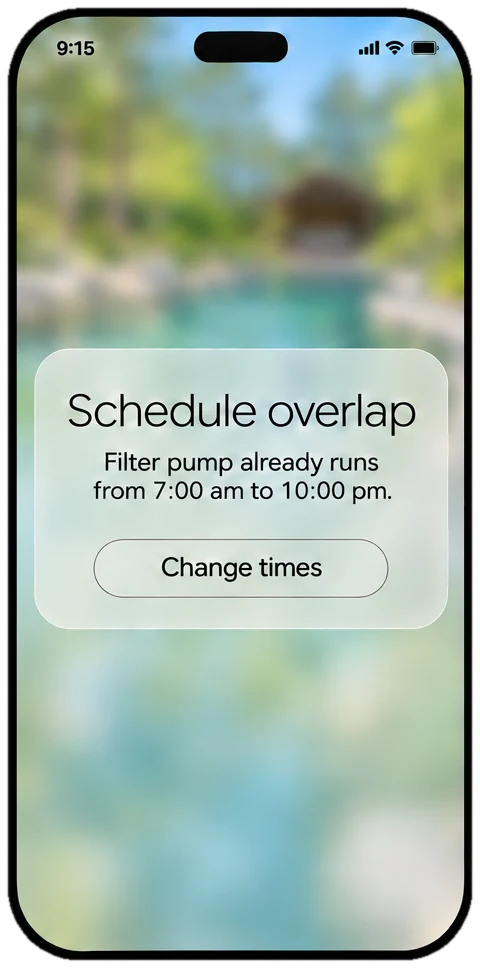
Put each device on one timeline. The pump, lights and heater follow it from then on.
Coming to the app
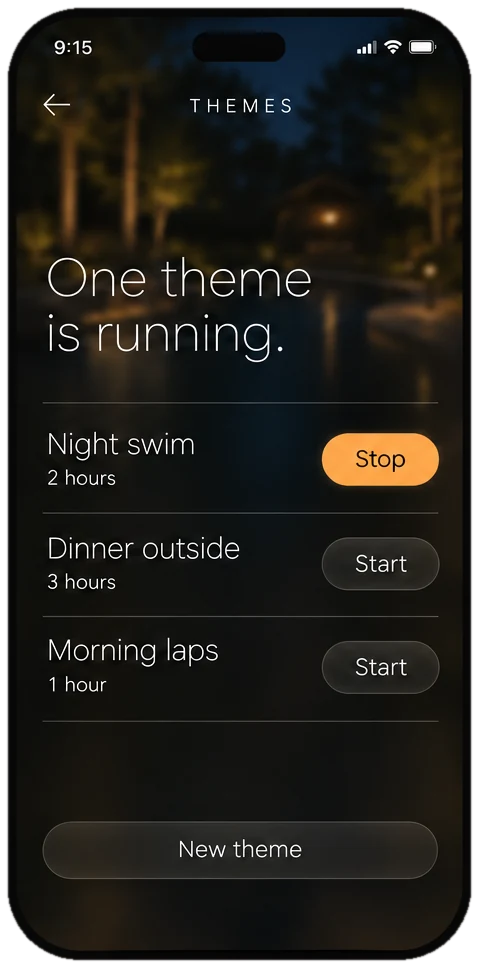
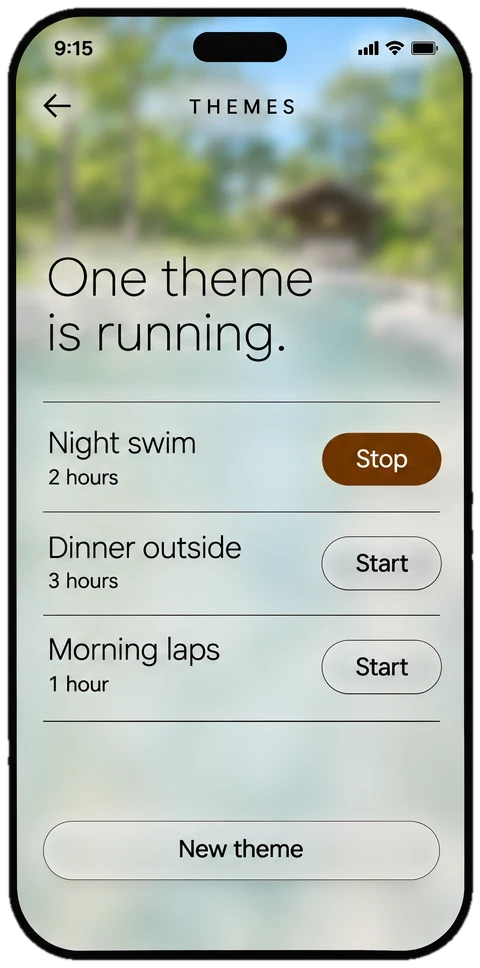
Themes
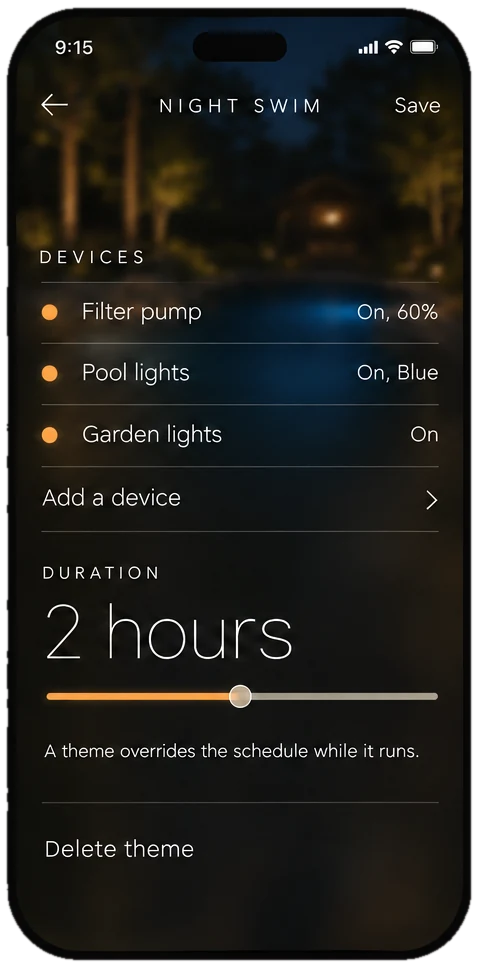
Set the evening with one tap.
A theme switches several things at once for as long as you choose. When it ends, your schedule picks back up.
Coming to the app
Pump and heat
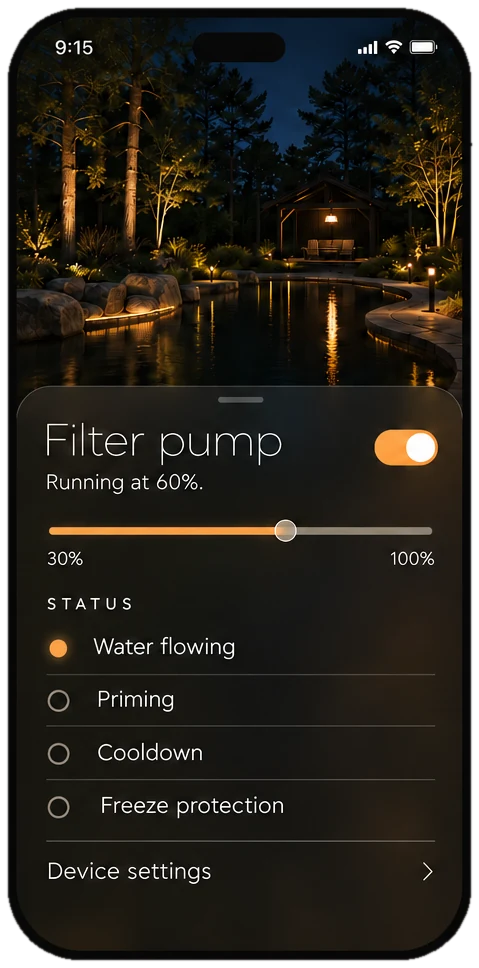
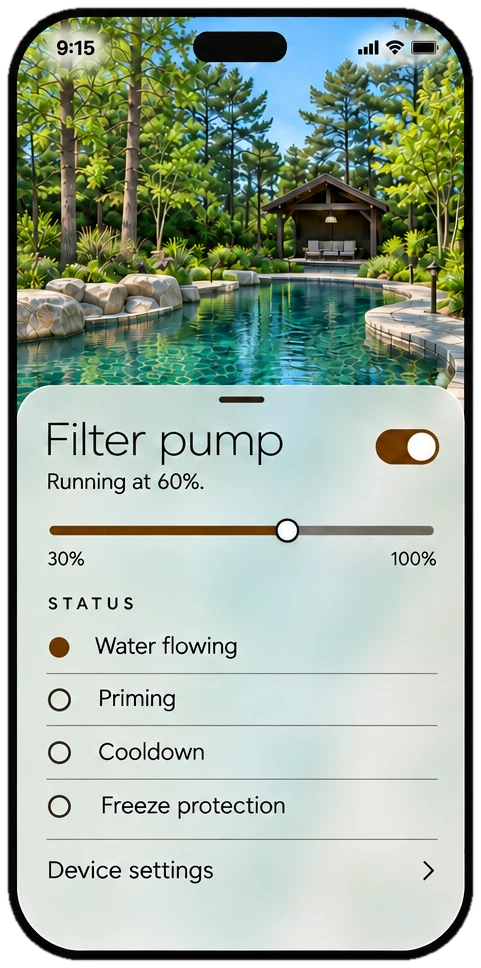
Quiet at night. Ready to swim.
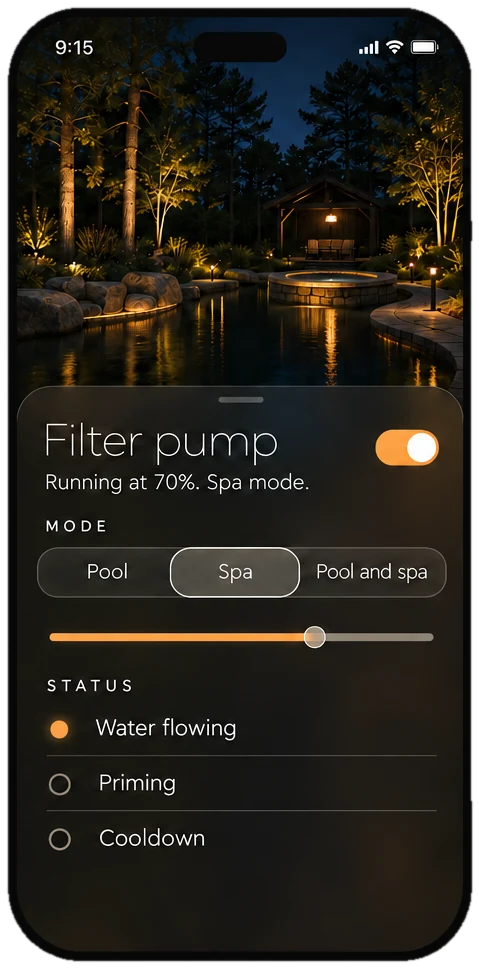
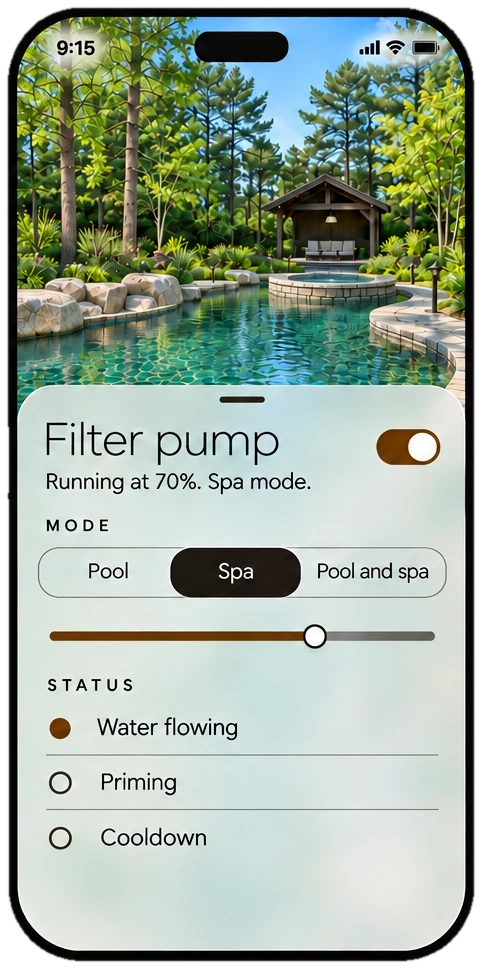
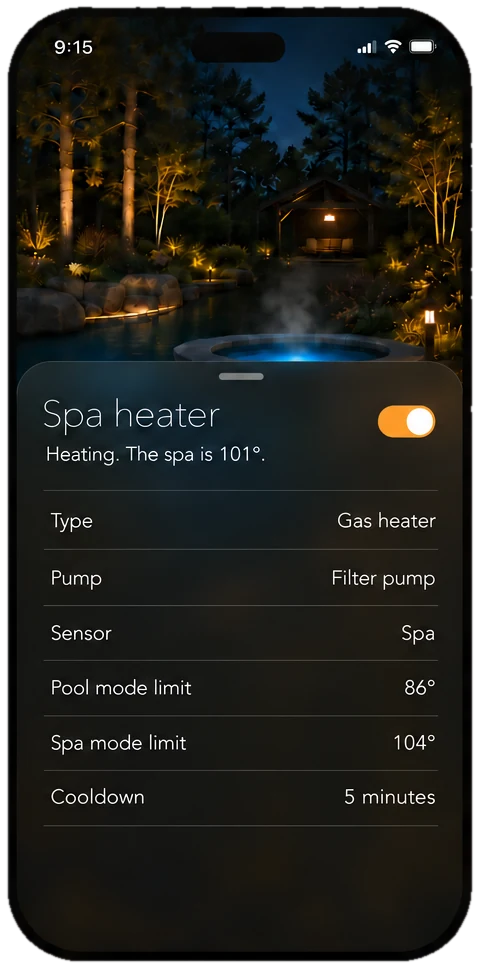
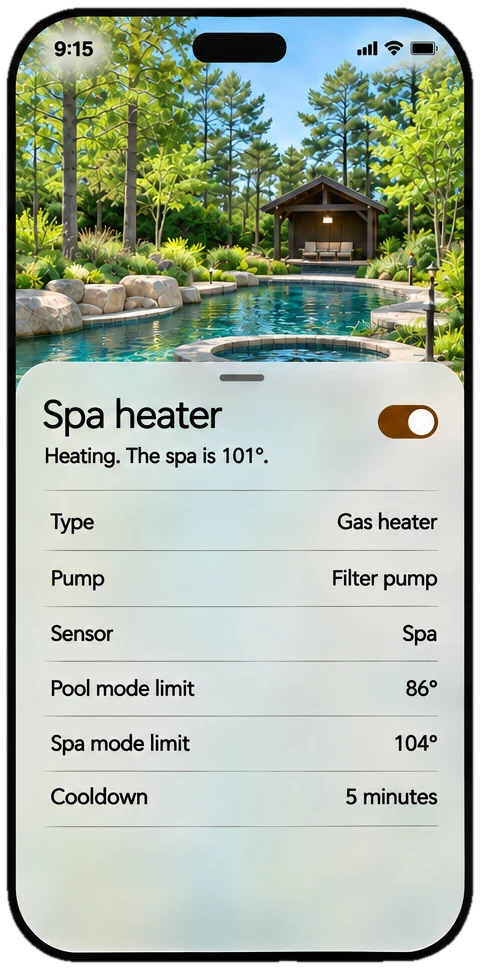
Adjust the pump speed, switch between pool and spa, set the spa temperature and watch it get there.
Coming to the app
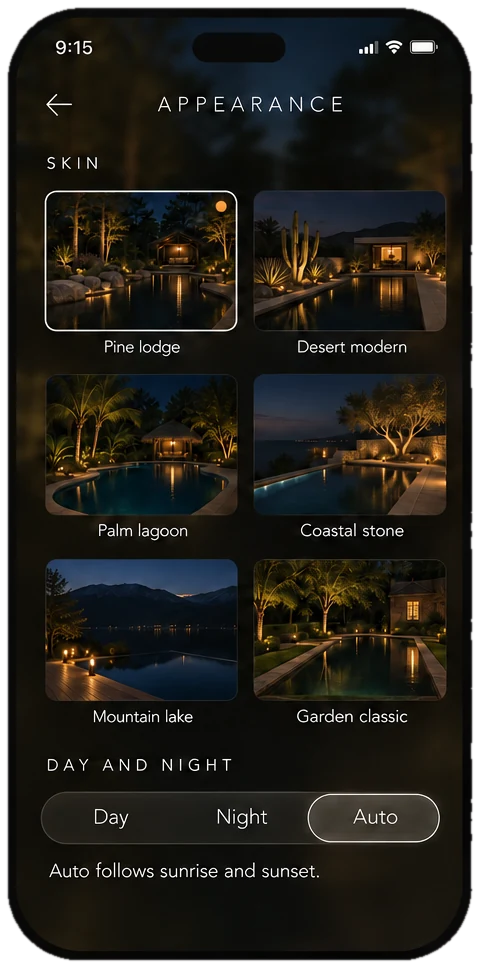
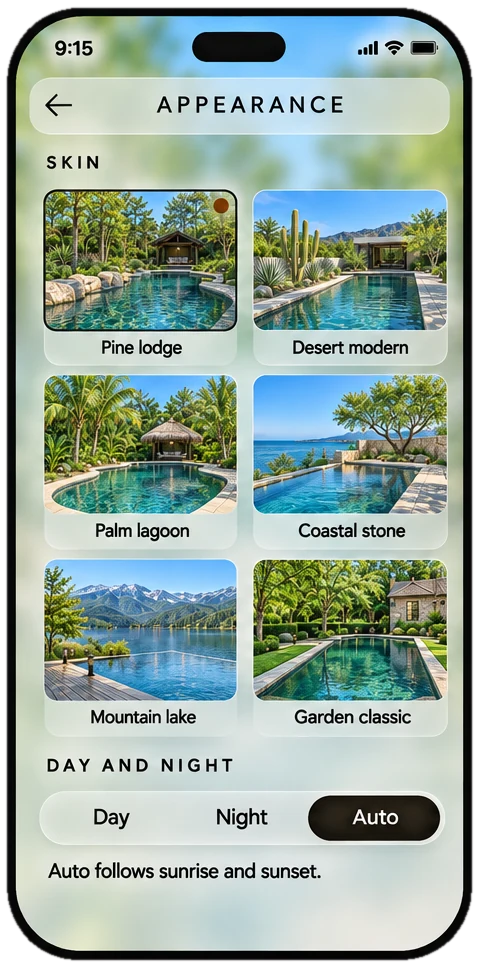
Skins
Match the app to your backyard.
Choose from six backdrops, from pine lodge to coastal stone. Every screen takes on the look.
Coming to the app
Setup
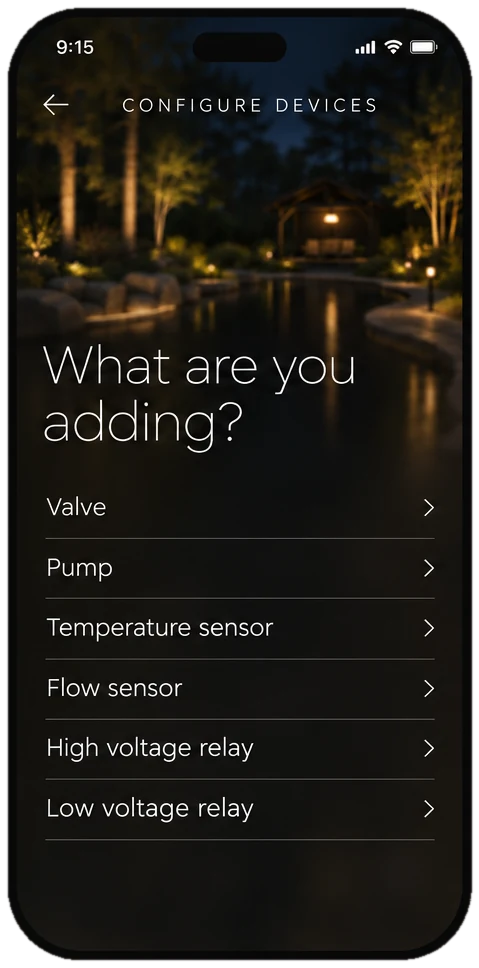
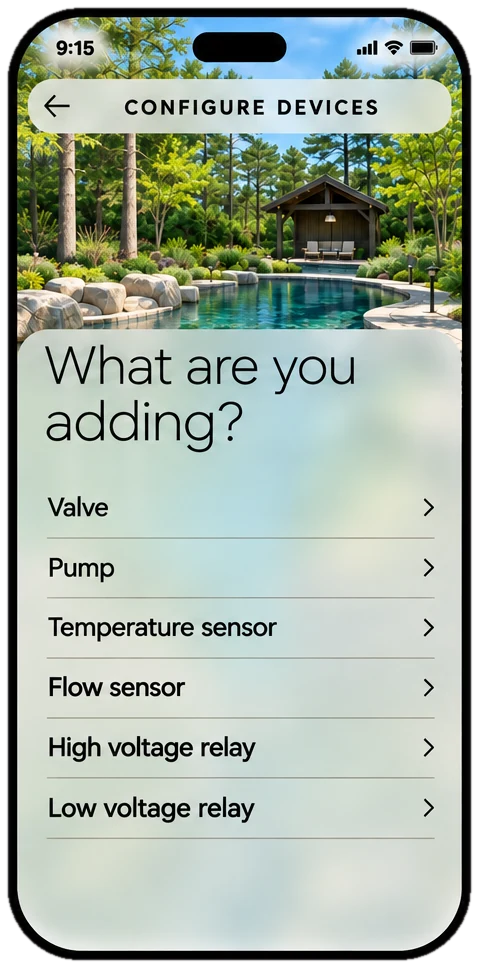
Ready for what comes next.
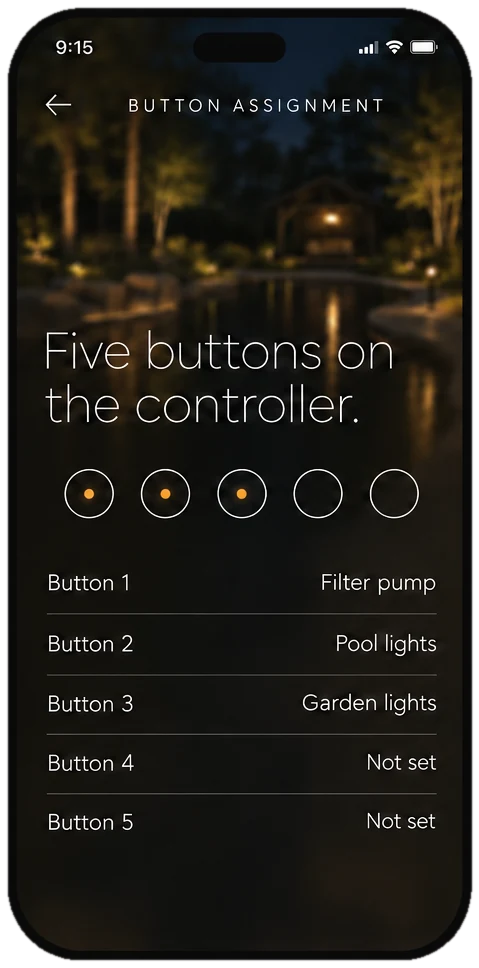
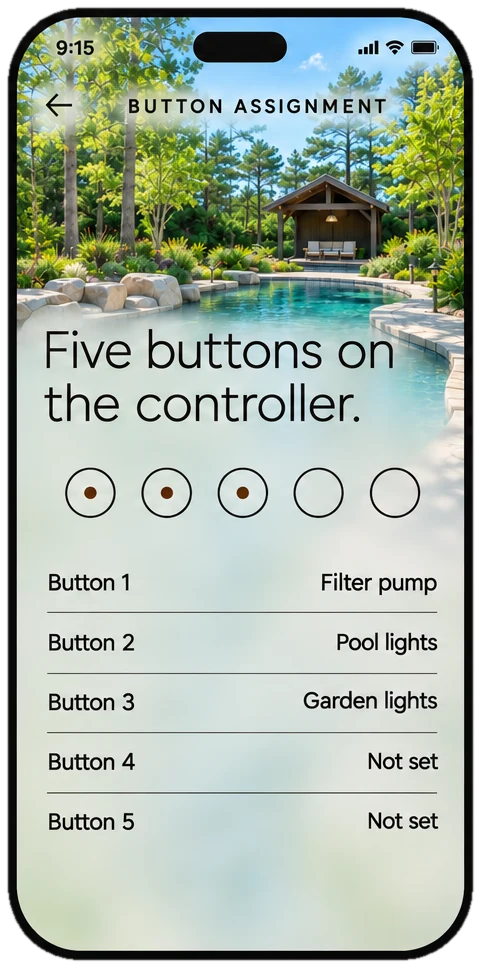
As the backyard grows, the app can grow with it. Add a valve, a pump or a sensor. Choose what each of the five buttons on the controller runs.
Coming to the app
See it on your pool?
Tell us what you have out back. We'll put together the setup that fits and email it to you.
Get my quote